Outside the series
Sistemi operativi
Guida essenziale dal computer allo smartphone
In preparation for Amazon
The book
What the operating system does when you open a document, and how to observe and command its work on Windows, Linux Ubuntu, macOS, Android and iOS: processes, memory, files and permissions, with labs and scripts in CMD, PowerShell and Bash. Manual, exercises and solutions in a single volume.
How to work with the book
Chapter 1 Two jobs, a single printer
In the lab Anna sends three pages of notes to the printer and, while the first sheet comes out, Luca prints his drawing. Neither of them waits around: the drawing is already in the queue, even if the sheet hasn't come out yet.
From here the chapter follows Anna's notes from the first letter written until she reopens them to study, and at every step it asks who is doing the work: the program, the operating system or the device. It is the same way of looking that is then needed to observe processes, memory and files in CMD, PowerShell and Bash, on the Mac and on the phone.
Materials
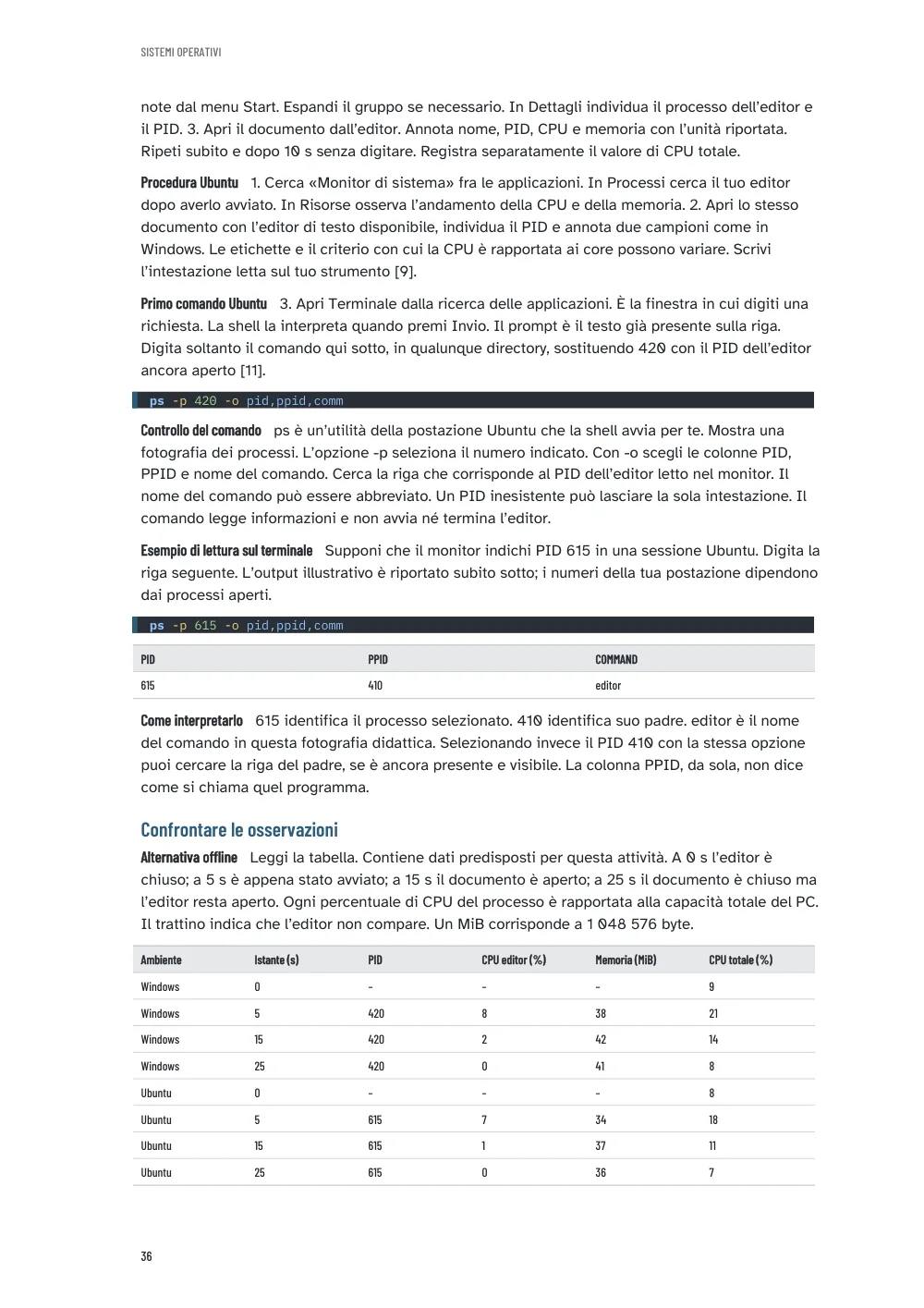
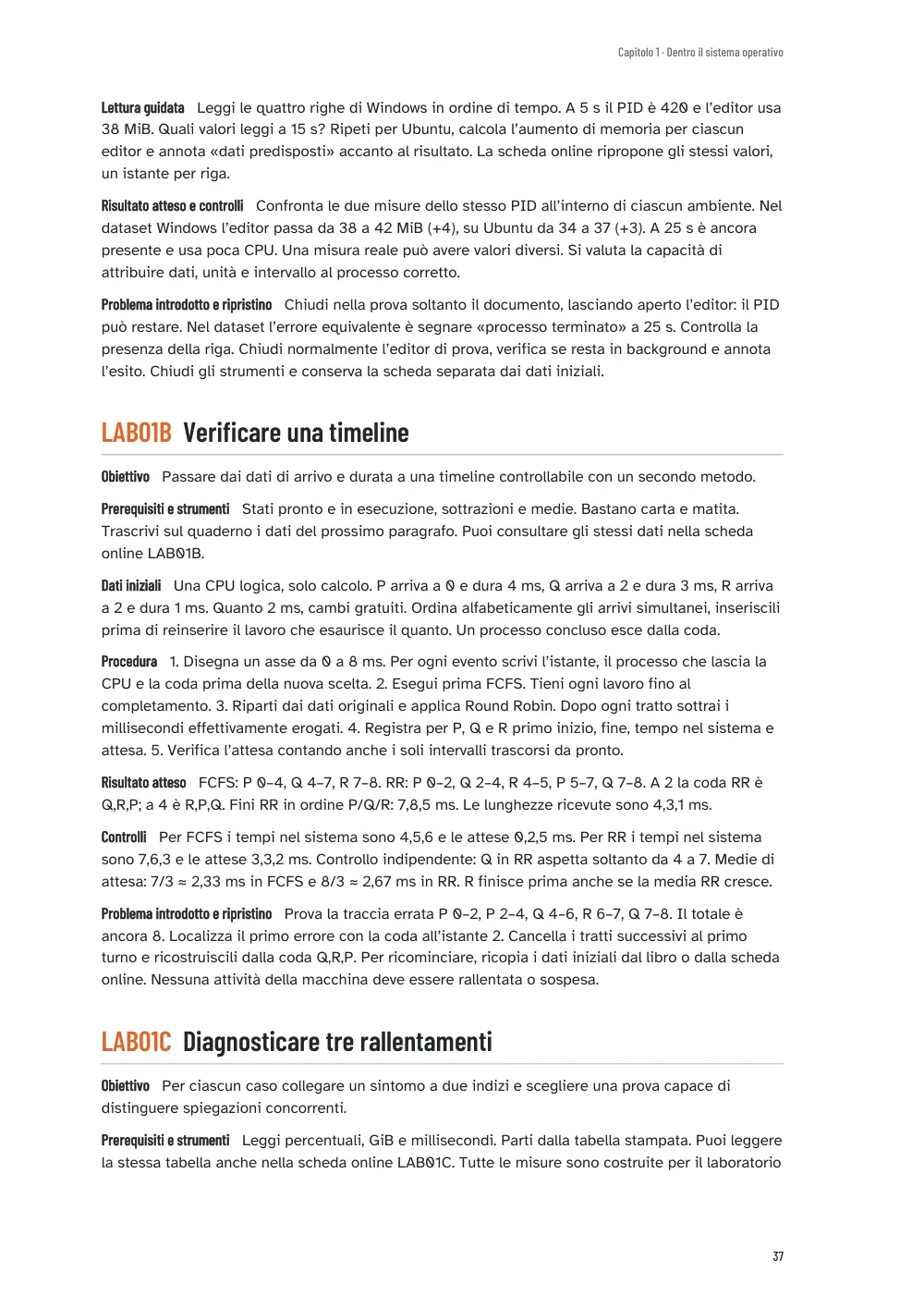
Below you can browse an extract: the contents and a lab, just as students find them.
The solutions are at the back of the book. The lab files are in the readers' area, for those who have the book; the teacher's kit is restricted and cannot be downloaded from this site.
Extract
Browse the book
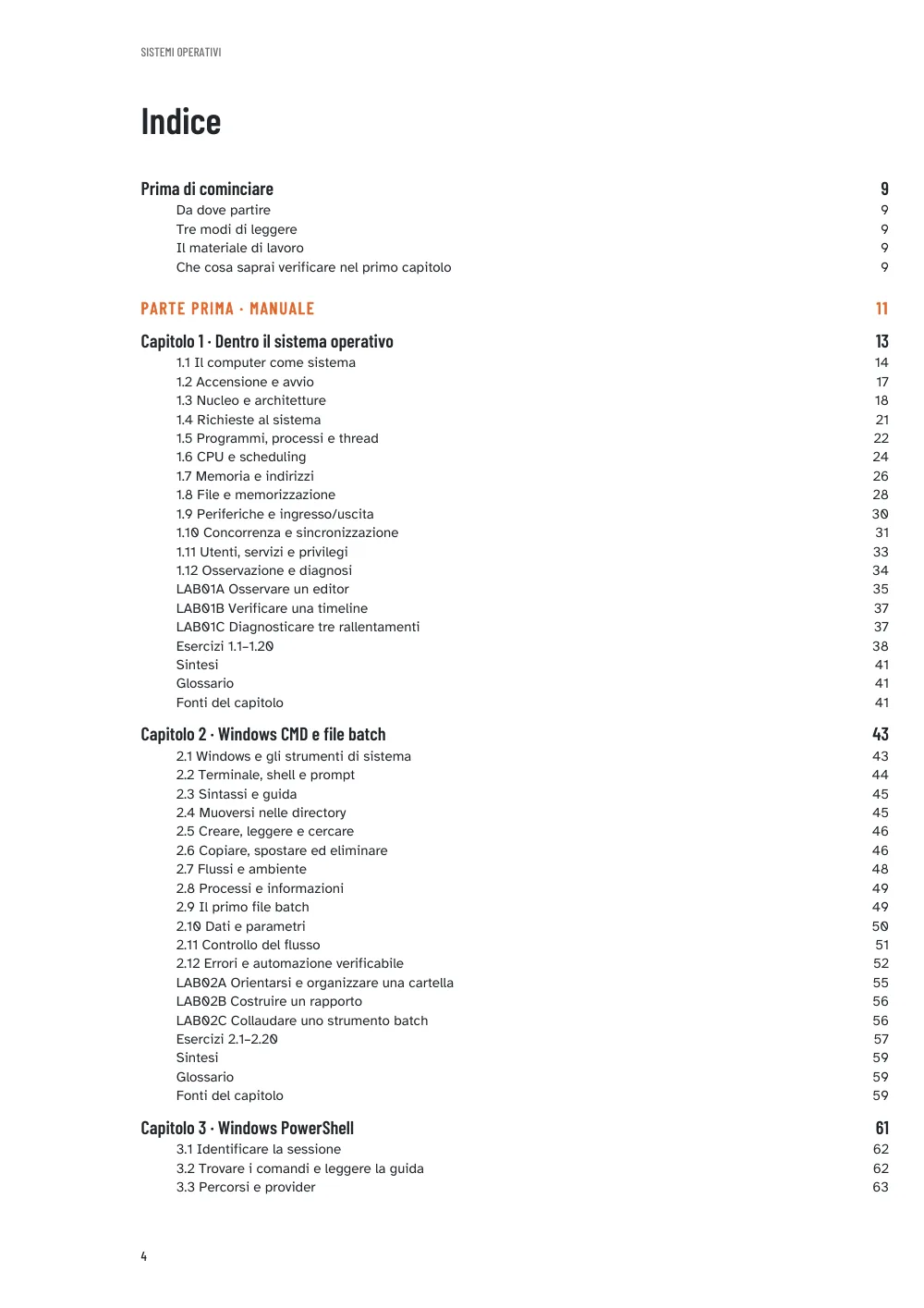
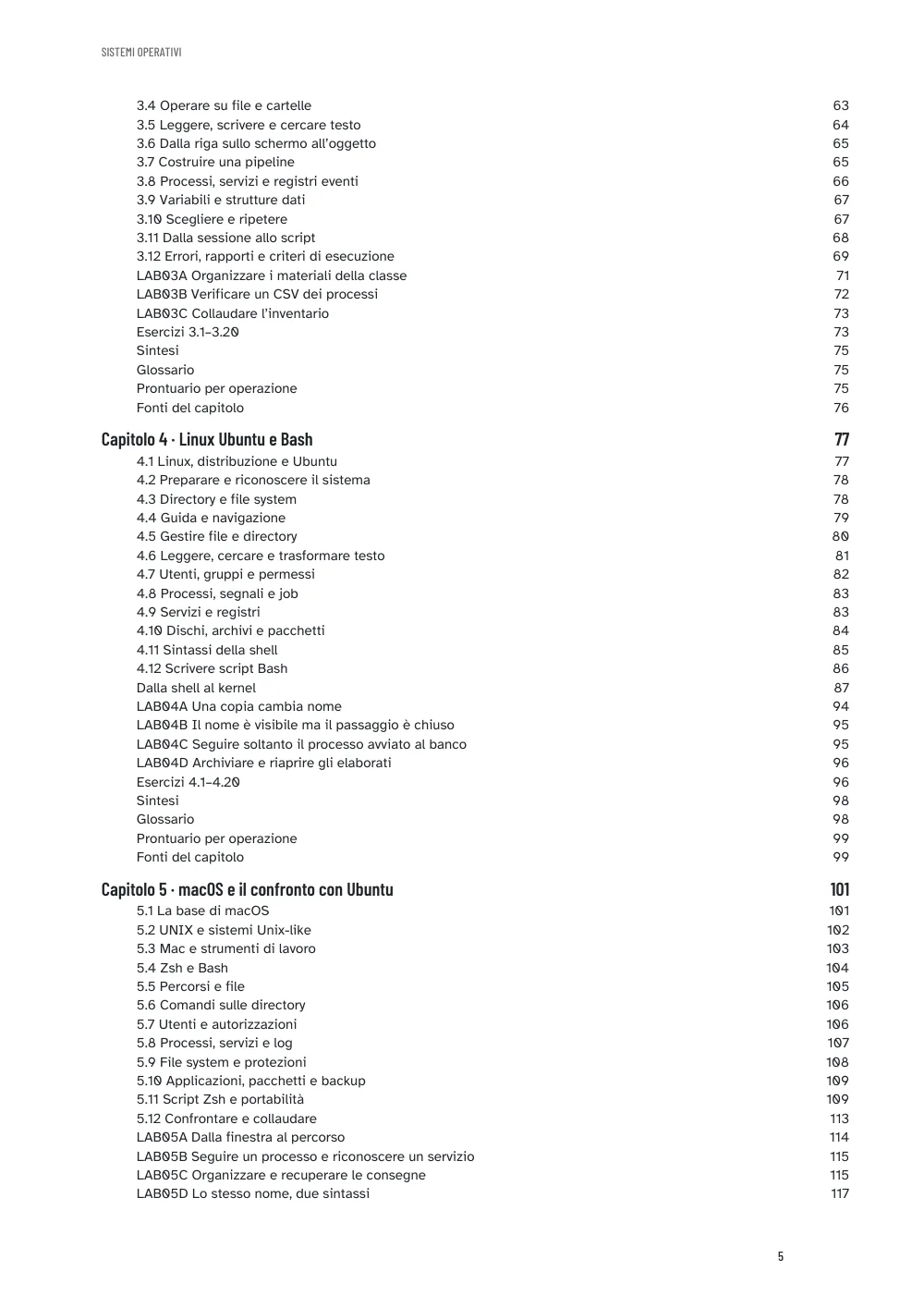
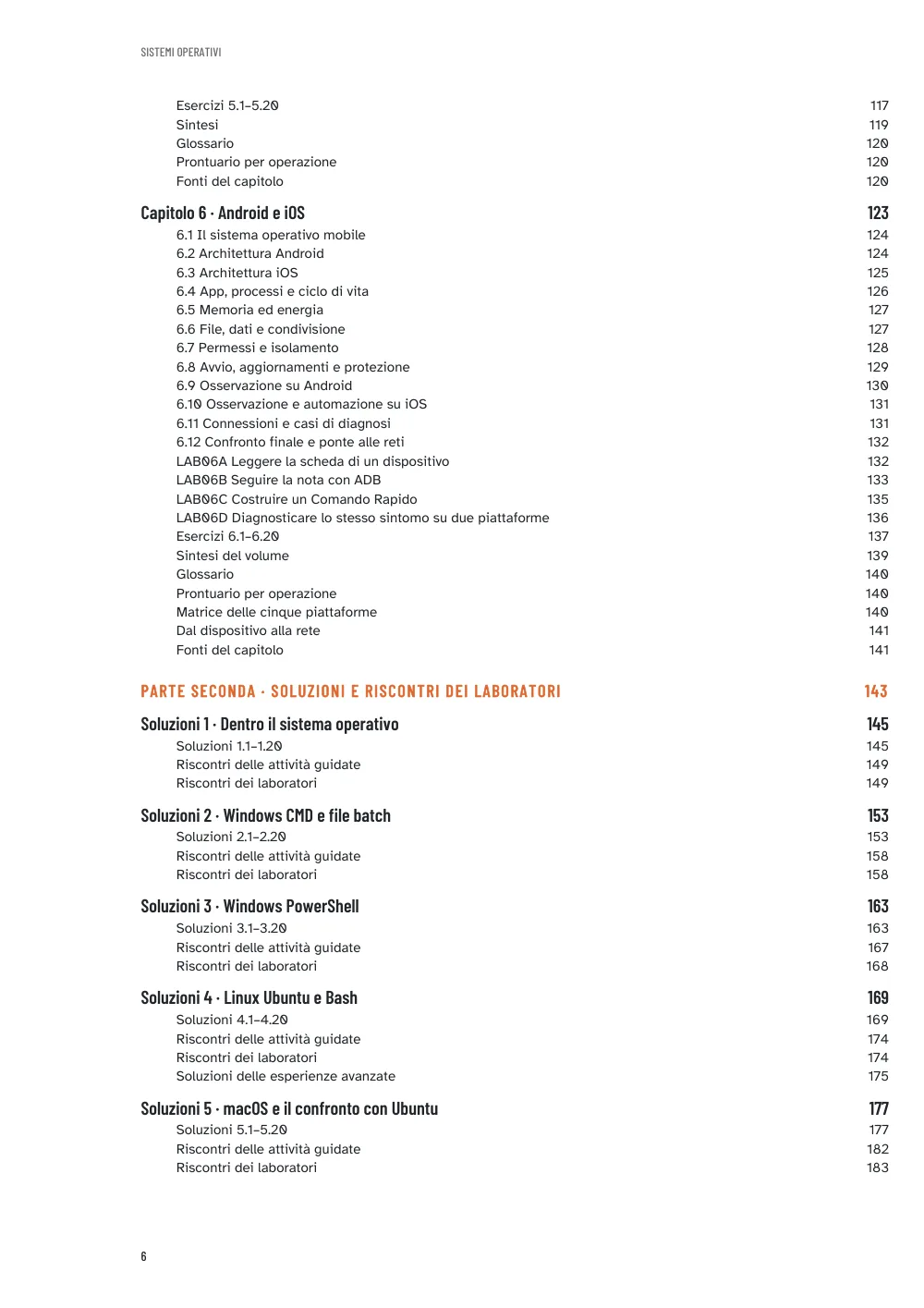
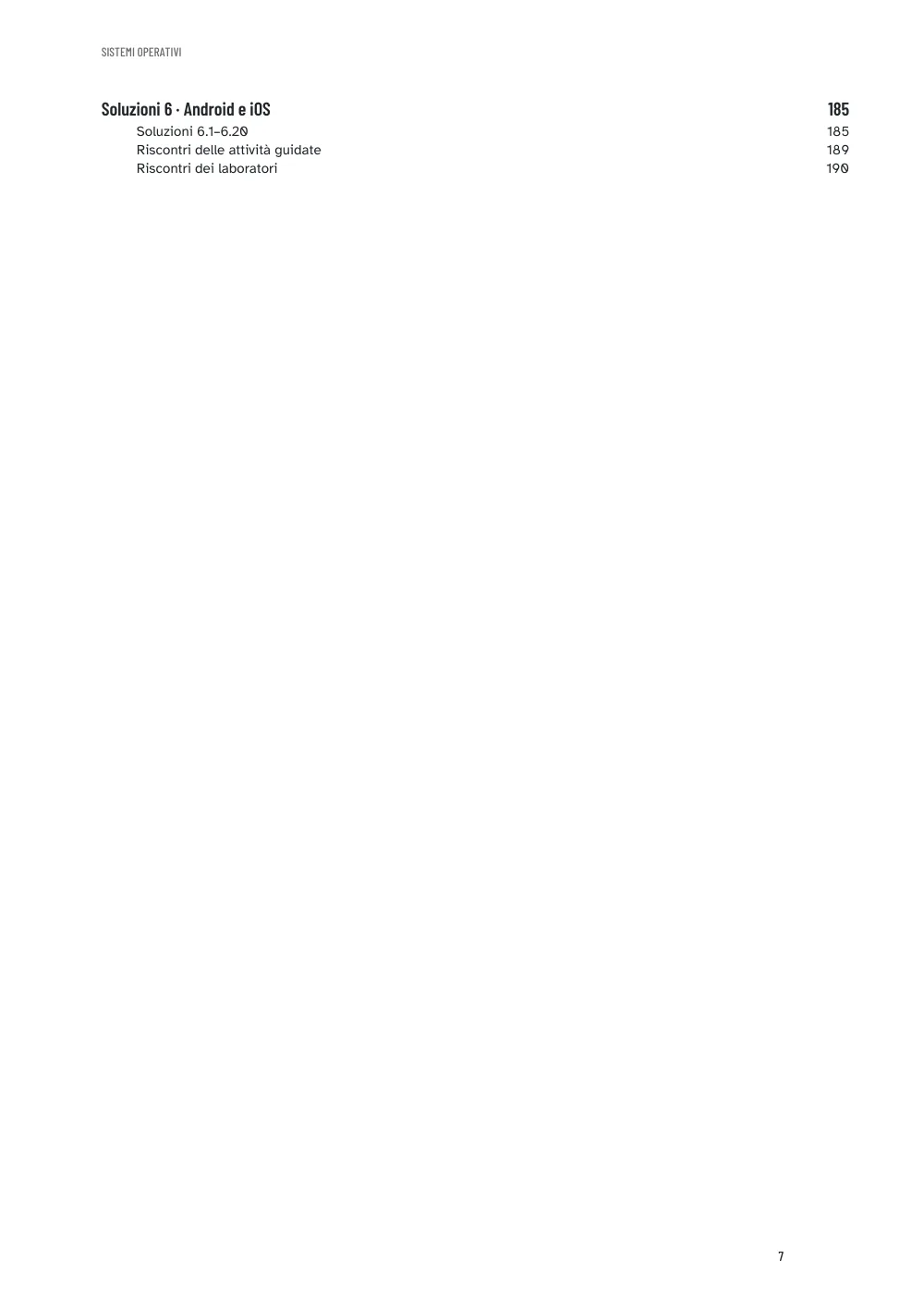
The full table of contents and lab LAB01A from chapter 1, with the pages as printed. It can be read here, not downloaded.